
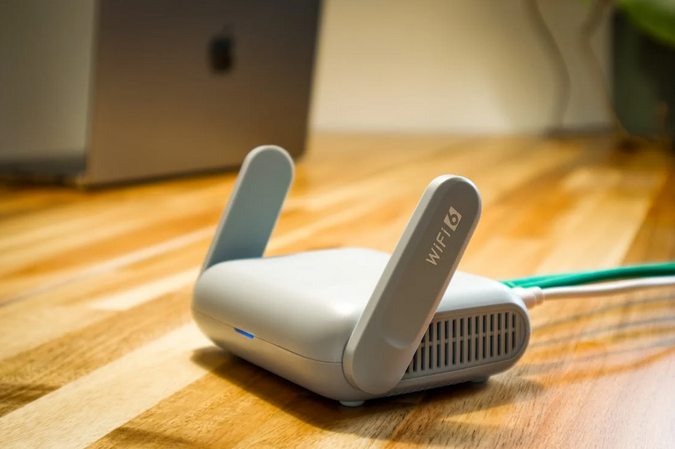
Buying a router feels boring until your video call turns into a slideshow. Or your game pings like it’s traveling by carrier pigeon. The good news is you don’t need a networking degree. You just need to match your home, your internet plan, and your devices to the right box.
Match the Router to Your Internet Plan and Usage
Start with your internet speed. If you pay for 300 Mbps, you don’t need a router built for a gigabit flex… unless you plan to upgrade soon. Streaming 4K, cloud gaming, and big downloads need headroom. A household with five phones, two laptops, a TV, and a smart speaker army needs it even more. Also, think about your “busy hour.” That’s usually evenings, when everyone is online at once. A router that looks fine on paper can choke under multiple streams and calls. Look for features like good CPU specs and decent RAM, because routers are tiny computers. You want stable performance, not peak speed in a perfect lab.
Pick a Wi-Fi Standard That Makes Sense
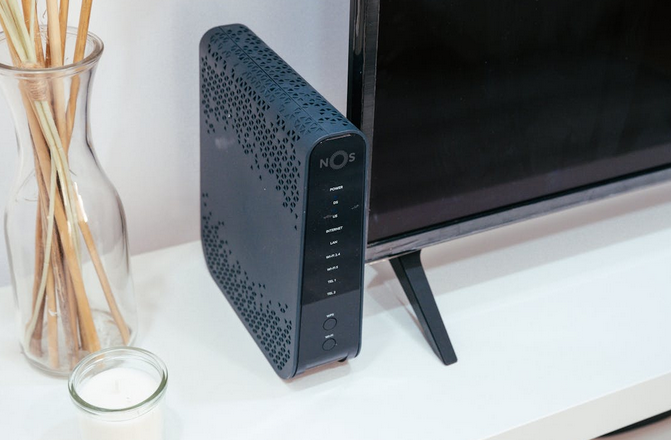
Wi-Fi names can feel like alphabet soup, so keep it simple. Wi-Fi 6 is a great baseline for most homes right now. Wi-Fi 6E adds a 6 GHz band, which can help in crowded apartment buildings. Wi-Fi 7 is the shiny new kid, fast and fancy, but you’ll need compatible devices to feel the full benefit. Don’t overbuy for vibes. If your devices are mostly older, a Wi-Fi 7 router won’t magically upgrade them. It can still help with range and scheduling, but it’s not a cheat code. A solid Wi-Fi 6 or 6E router often hits the sweet spot. Spend the savings on a better placement or a mesh add-on later.
Decide Between One Router and a Mesh System
If you live in a small apartment or a simple single-floor layout, one strong router can be enough. Put it in a central spot, and you’re good. But if you’ve got thick walls, multiple floors, or that one dead zone where Wi-Fi goes to die, mesh is the play. Mesh systems use multiple nodes to spread coverage more evenly. Backhaul matters here. Some mesh kits use wireless backhaul, meaning the nodes talk to each other over Wi-Fi. That’s convenient, but it can cost some speed. Wired backhaul, using Ethernet between nodes, is usually better if you can run cable. If you can’t, look for tri-band mesh that reserves a band for node-to-node traffic.
Check Ports, Features, and Security Before You Buy
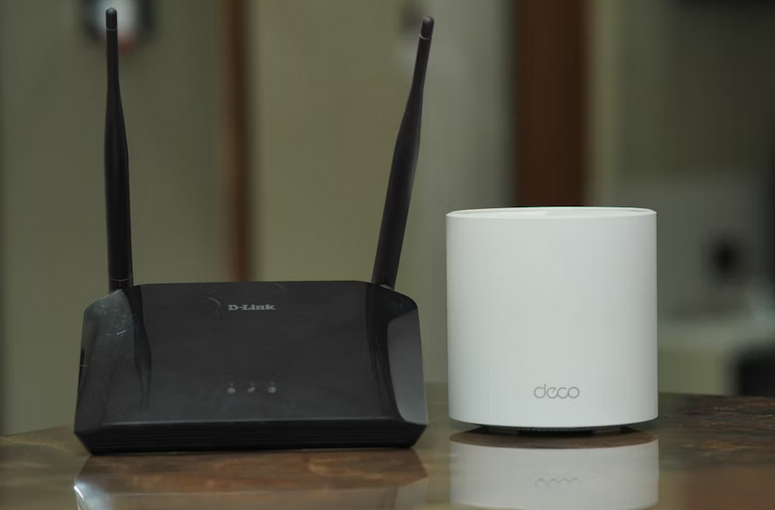
Ports are underrated. If you game on a console, work on a desktop, or have a NAS, you’ll want enough Ethernet ports. A 2.5GbE port is a nice bonus for faster plans or local transfers. USB ports can be handy for simple file sharing, but don’t make that your main reason to buy. Security features are also not just marketing glitter. Look for WPA3 support, automatic firmware updates, and a clean guest network option. Parental controls can be useful even for adults, like blocking distraction sites during work hours. And QoS can help prioritize video calls or games when the network is busy. Your router should help you, not babysit you.
Picking the right router is really about matching your home, your internet plan, and your device count, then giving the router a fair chance with good placement. Get this part right once, and your Wi-Fi basically fades into the background, which is the highest compliment you can give it.