
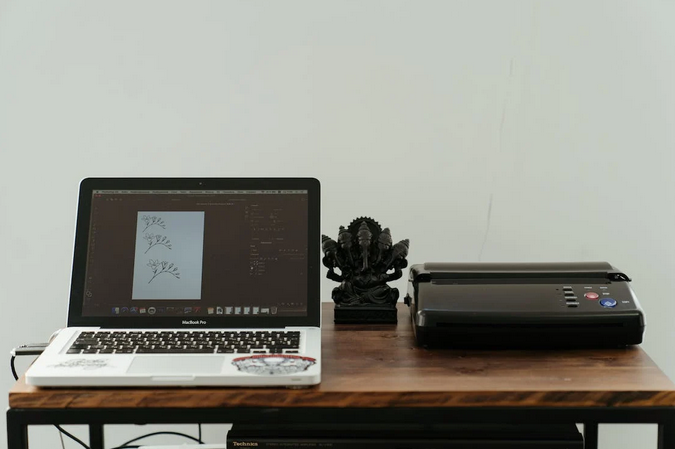
Welcome to the world of printer hacks. We all know how frustrating it can be when your printer runs out of ink or seems to gobble up paper faster than you can say “print.” But fear not, because today we will share some clever tricks and tips to help you get the most out of your trusty printer. From saving on ink to printing more efficiently, these hacks will make your printing experience smoother and more cost-effective. But, if you are currently facing problems with your Epson printer, finding the best repair services is the solution. Epson printer repair New York NY is a reliable company that can assist you with all your printer needs. So grab a pen and paper (or better yet, just bookmark this page) because you’re about to become a printer pro.
Use Draft Mode
When printing, the default setting is usually “Normal” or “Standard.” But did you know that there’s a mode called “Draft” that can save you both time and money? Draft mode prints documents at a lower resolution, which means less ink is used. This is perfect for those times when you just need a quick reference copy or when you’re printing something for personal use. In draft mode, the print quality may not be as crisp and sharp as in normal mode, but it’s more than sufficient for everyday tasks like printing emails, web pages, or rough drafts of documents. Plus, since less ink is being used, your cartridges will last longer before needing to be replaced.
Print Multiple Pages Per Sheet
Have you ever wondered if there’s a way to save paper and ink when printing? Well, the good news is that there is. One clever hack to get the most out of your printer is by printing multiple pages per sheet. This feature allows you to fit two or more pages onto a single sheet of paper. This reduces your paper consumption and saves money on ink or toner cartridges in the long run. To print multiple pages per sheet, simply go to your printer settings and select the option for multiple page printing. You can choose how many pages you want to fit on each sheet, whether it’s two, four, or even more.
Print in Grayscale
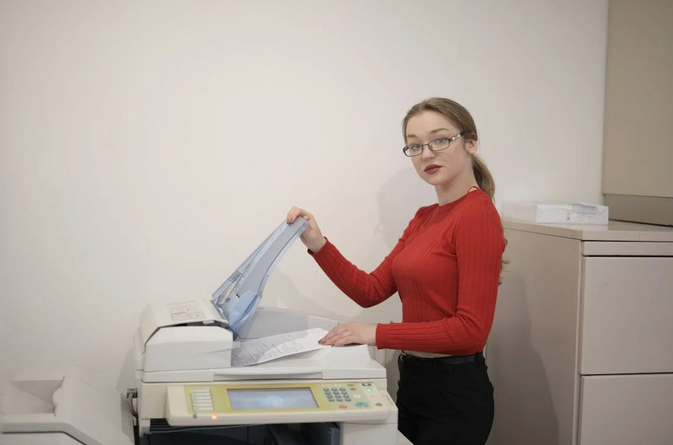
Printing documents in colour can be expensive, especially if you’re constantly printing large batches of paper. That’s where grayscale printing comes to the rescue. By choosing to print in grayscale, you can save money on ink while still producing high-quality prints. One of the benefits of printing in grayscale is that it reduces the amount of colour ink used. This means your printer cartridges will last longer and need replacing less frequently. Plus, if you’re only printing text-based documents or black-and-white images, there’s really no need for vibrant colours anyway.
Double-Sided Printing
Printing documents can consume a significant amount of paper, but a simple hack can help you reduce waste and save money – double-sided printing. Instead of printing on only one side of the paper, this clever trick allows you to print on both sides, cutting your paper usage in half. To enable double-sided printing, check if your printer has this feature built-in or if it requires manual flipping. Most modern printers have an automatic duplexing feature for effortless double-sided printing. Simply select the option before hitting ‘Print,’ and let your printer do the rest. Not only does double-sided printing save trees by reducing paper consumption, but it also helps cut down on storage space needed for printed documents. Plus, you’ll see reduced costs from buying less paper over time.
By incorporating these printer hacks into your routine, you’ll be able to maximize efficiency while minimizing waste. Plus, you’ll save money on ink cartridges and paper costs! So why not give these clever tricks a try? Your wallet and the environment will thank you!